A black logo on a transparent background looks perfect in a light tab and vanishes in a dark one. The ICO format cannot adapt, but the SVG favicon can: it carries a CSS rule that swaps colors depending on the browser theme.
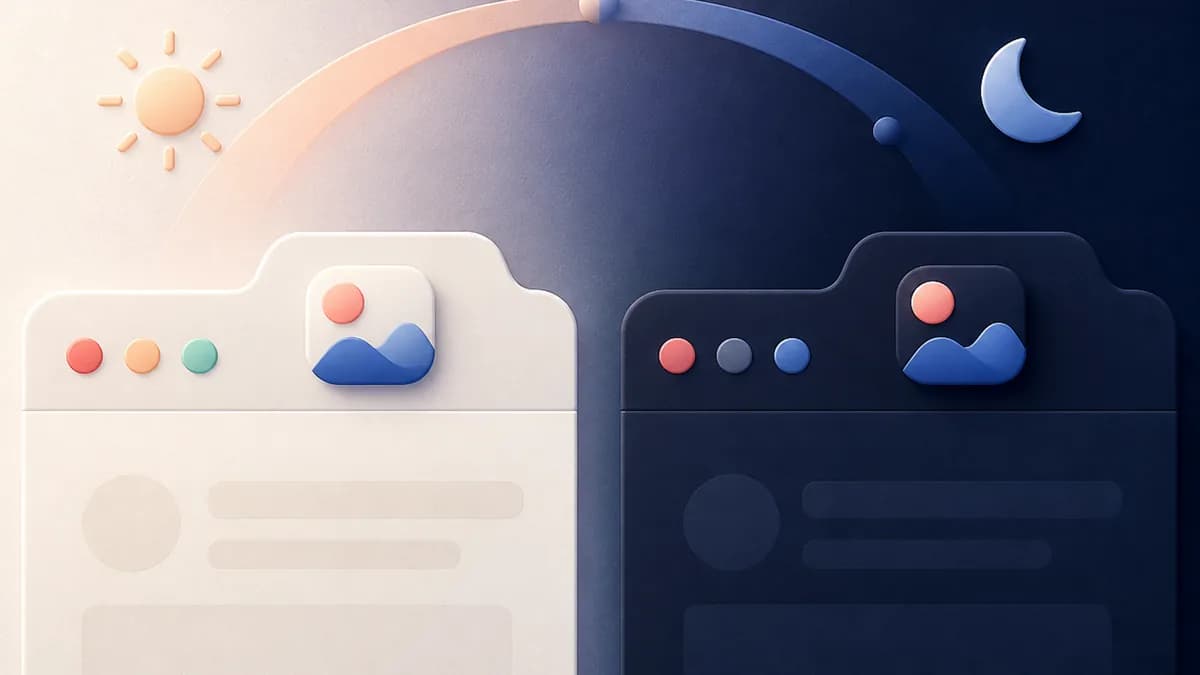
The problem: one file, two backgrounds
Now that browsers follow the system theme, the tab strip can be near white for one visitor and near black for another on the same page. A monochrome favicon drawn for one becomes unreadable for the other.
Many sites work around it by giving the icon an opaque colored background. It works, but the icon turns into a heavy blob, where large brands stick to a cut-out symbol.
The right answer is to let the browser choose, and that is possible with no JavaScript and no server-side detection.
How the adaptive SVG works
An SVG file is a document, not a flat image: it can contain a style tag, and therefore media queries. Putting a prefers-color-scheme: dark rule inside redefines the fill color of the paths when the browser uses a dark theme.
In practice the SVG declares a default color for the light theme, then a rule that replaces it in dark mode. The browser applies the right one at render time and updates the tab immediately if the visitor switches themes.
The same mechanism goes further than a simple inversion: you can serve a completely different drawing, for instance a cut-out symbol in light mode and a filled badge in dark mode.
Declaring the SVG alongside the .ico
Declare the SVG with link rel="icon" type="image/svg+xml" href="/favicon.svg". Browsers that understand it prefer it over everything else, and those that do not fall back to the favicon.ico at the root.
So there is nothing to remove: both files coexist, each covering the other's clients. This is progressive enhancement applied to a 32-pixel icon.
One caveat: a favicon SVG must be self-contained. An external font, a remote image or a script will not be loaded in this context. Text has to be converted to outlines.
What dark mode does not cover
The dark variant applies to the desktop browser favicon. It does not affect the Apple Touch icon, which is a fixed opaque PNG, nor the web manifest icons, which Android renders on its own background.
Support is not universal either: Chromium-based browsers and Firefox read the adaptive SVG, Safari lags depending on the version. That is fine, since the fallback to the .ico is automatic.
So design your light icon as the default case, the one every visitor will see, and treat the dark variant as a refinement for browsers that can read it.
Primary sources
Frequently asked questions
Can the favicon.ico handle dark mode?
No. The ICO format stores fixed raster images with no notion of theme. Only the SVG can carry a media query, which is why the modern set ships both.
Do you need two SVG files, one light and one dark?
No, a single file is enough. Both variants live inside the same SVG, separated by the prefers-color-scheme media query, which avoids an extra request and any detection code.
How do you test the dark theme rendering?
Switch your operating system theme, then reload the tab. In the generator, the light and dark tab previews sit side by side, which saves the round trip.