The .ico is still the expected format at a site's root, and most online converters ask you to upload your image to their server. Here is how to get a correct multi-size favicon.ico from a PNG, without uploading anything.
An .ico is not just a renamed image
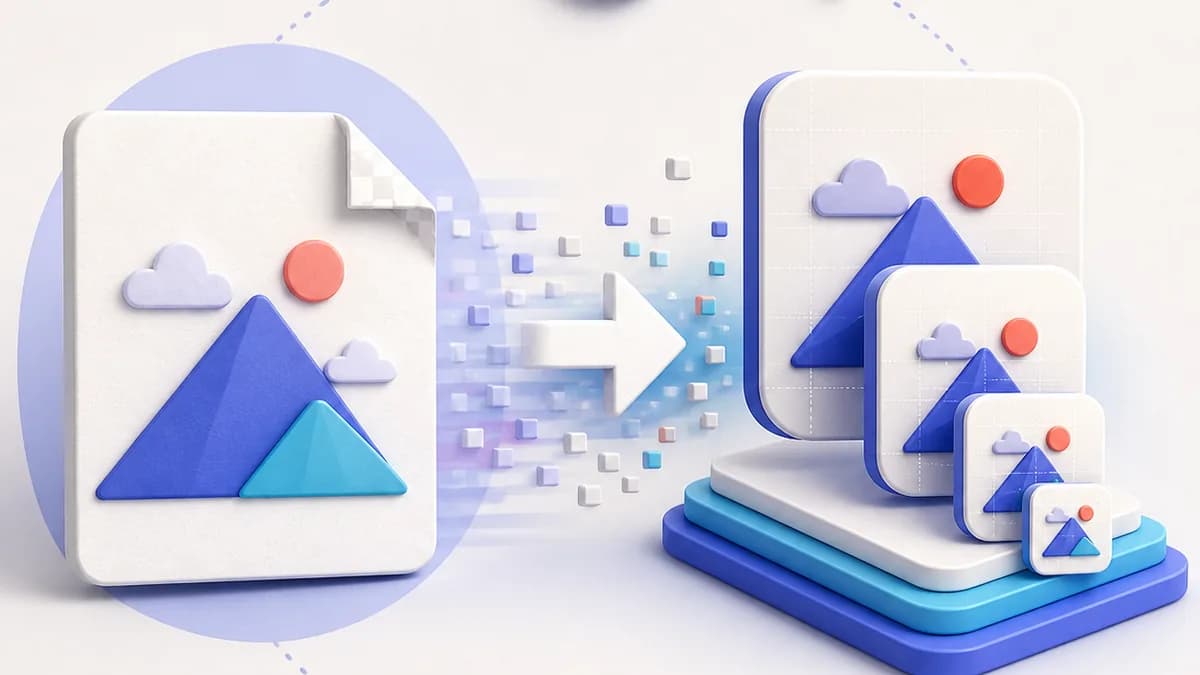
Renaming logo.png to favicon.ico is not enough. ICO is a container format with its own header: it describes how many images it holds, at which dimensions, and where each one starts in the file. A renamed PNG has no such header, and stricter browsers refuse to render it.
A correct ICO embeds several resolutions of the same icon. The browser reads the header, picks the variant closest to the size it needs, and upscales nothing.
Convert a PNG to ICO in three steps
Step one, prepare the source. A square PNG of at least 512×512 pixels gives the best result, because every size will be produced by downscaling. If your image has a transparent background, decide now whether to keep it: it is perfect for a tab, but iOS and Android will replace it with black.
Step two, generate the resolutions. The file should contain at minimum 16×16, 32×32 and 48×48. Resizing must use a quality resampling filter, otherwise the small sizes become unreadable.
Step three, pack them. The three images are assembled into a single ICO container, with the header describing each entry. The result goes at the site root, named favicon.ico, where browsers find it even without an HTML tag.
Why local conversion matters
Most PNG to ICO converters work by uploading your file to a server, which processes it and sends the result back. Your logo, often before it has even launched publicly, ends up on a machine you do not control, under a retention policy you have not read.
Yet a modern browser can do all of it alone: decode a PNG, resize it on a canvas, re-encode each size and assemble the ICO container. That is what LFFavicon does. No request carries your image, and closing the tab clears everything.
The benefit is not only theoretical: conversion is instant, it works offline once the page has loaded, and there is no queue and no daily limit.
The .ico alone is no longer enough
Converting your PNG to ICO handles tabs and legacy clients, but leaves three contexts uncovered: modern browsers, which prefer an SVG that stays sharp at any size, the iOS home screen, which wants an opaque 180×180 PNG, and Android, which reads the web manifest.
Since you are processing the image once anyway, produce the whole set in one pass. That is what the generator does: one source feeds the .ico, the SVG, the Apple Touch icon and the manifest icons, with a preview of each context before you download.
Primary sources
Frequently asked questions
What PNG size do you need to create an ICO?
A square of at least 512×512 pixels. Below 128×128 the larger sizes in the package have to be upscaled and the result looks blurry. An SVG is better still, since it has no resolution limit.
Is transparency preserved in the .ico?
Yes, the ICO format supports a full alpha channel, and a transparent PNG stays transparent in the tab. Watch out for the iOS icon though: the system fills transparent areas with black, so give it a background.
Where should the favicon.ico file go?
At the root of the domain, reachable at https://yoursite.com/favicon.ico. Browsers and crawlers request that exact address by convention, even when no link tag declares it.